Buying guide
LED Scoreboard Brightness Controls: Buyer Checklist for Indoor Courts
Brightness is a model-specific control, not a feature to infer from an LED color, a product photograph or a viewing-distance claim. This checklist separates the RYK products that explicitly publish brightness adjustment from other display details buyers may need to review, so an inquiry can name the required operating control without adding an unlisted specification.
Start with the display task and the venue position. Record which people must read the display, the score, clock or program information they need to distinguish, the intended wall, table, stand or hoop location, and the lighting conditions the venue expects. This describes the buyer’s requirement without treating a product image as evidence of a particular brightness setting or suitability for every location.
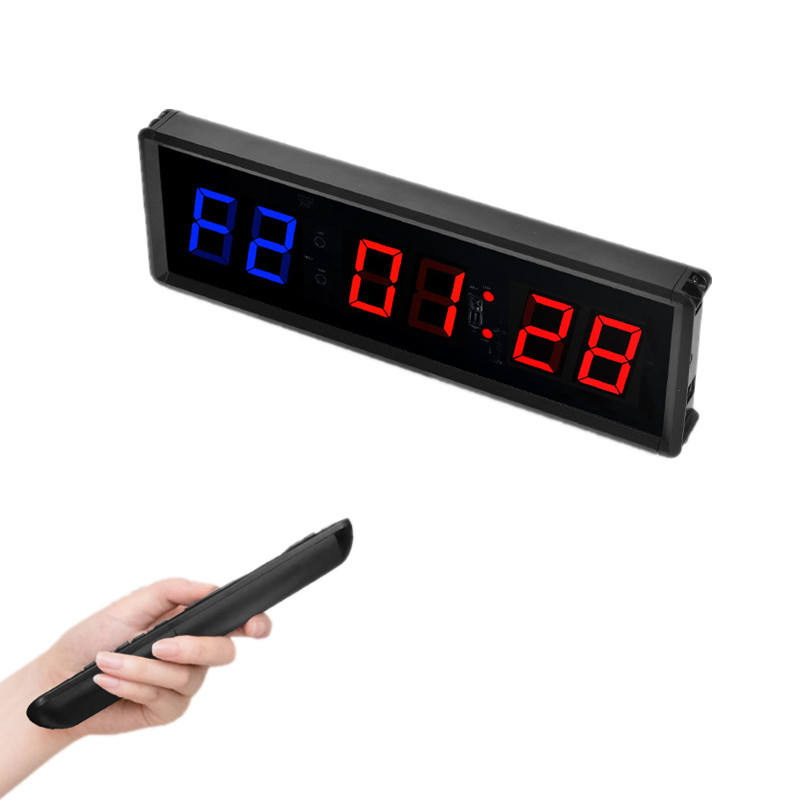
Request adjustable brightness only where the selected product publishes it. The JX 1.5-Inch LED Sports Clock Timer lists brightness adjustment alongside clock, stopwatch, countdown, count-up and cycle-display functions, with remote control. It is a compact indoor timing product with 1.5-inch digits, so state the required timing workflow and brightness control for that exact model rather than carrying its control feature into a scoreboard or timer that does not list it.
Keep a 3x3 attack-timer requirement tied to the 3x3 model. The YS 3x3 12s Attack Timer publishes 1–10 level adjustable brightness, a red LED 12-second countdown with decimal timing and controller-console operation. Those facts support a buyer asking for that timer’s stated brightness adjustment; they do not change it into a 24-second court timer or establish the same adjustment range for a different display.
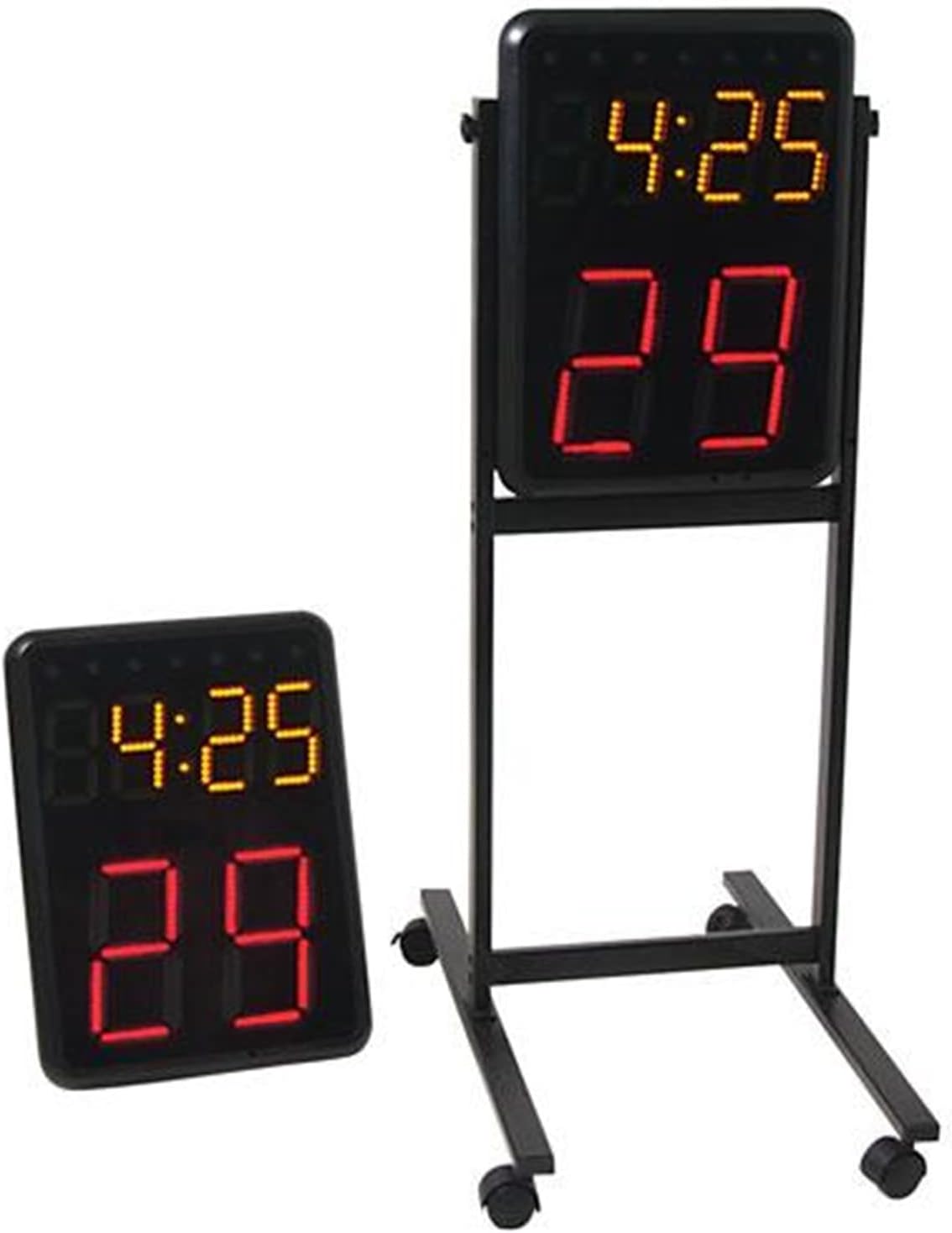
Separate brightness control from digit size and a stated viewing-distance reference. The Wireless Basketball Shot Clock Pair lists 8-inch red shot-clock digits, a 4.7-inch yellow game clock and viewing distance up to 300 ft. Those are useful visibility details for the indoor pair, but the listing does not make the viewing-distance figure a brightness-control specification. Ask separately about the exact selected configuration when adjustment is important.
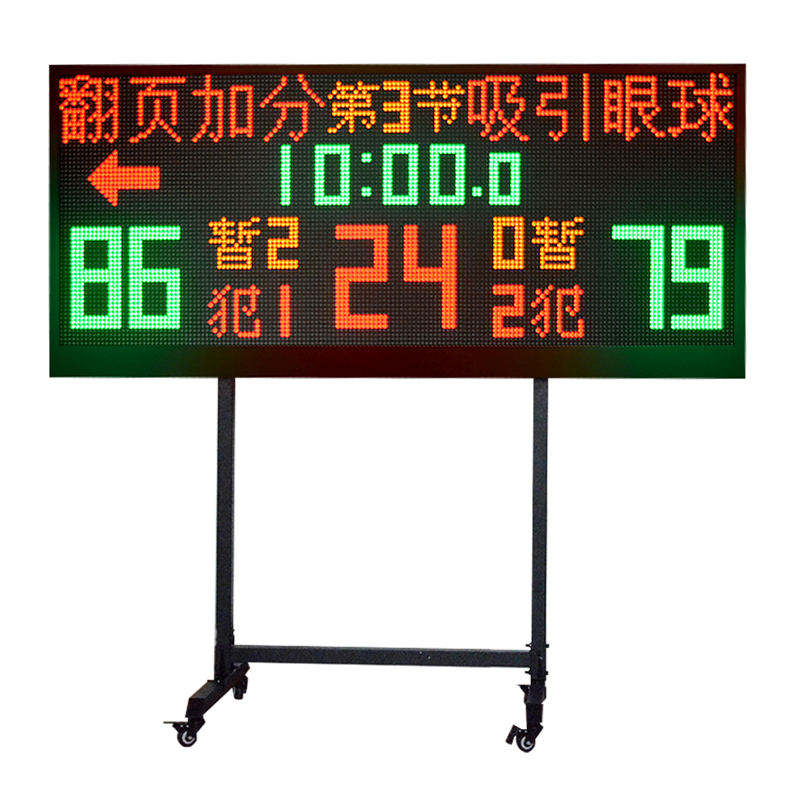
Treat color layout and brightness as different checks. The YS Wireless Multisport Scoreboard with 24s Shot Clock publishes red, green and amber LED sections for score, countdown, 24-second, period and foul information. Its listed color-separated fields help a buyer specify what must be recognizable, while a request for adjustable brightness should be confirmed independently rather than inferred from the multi-color layout.
Ask for a current demonstration or clear product reference when the operating control matters. Name the exact model, required display fields, planned reader positions and the brightness-control question. A demonstration can help a buyer review visible operation, but the written quote should still identify the model, selected configuration, included control and any requested feature.
Send a readability-focused inquiry with the exact model and quantity; sport and timing workflow; required score, clock or program fields; intended installation or portable position; expected venue lighting; whether published brightness adjustment is required; preferred control method; destination; and a request for written confirmation of the selected configuration. This creates a useful procurement record without turning general LED visibility into an unverified product specification.