Buying guide
LED Scoreboard Display Colors: Buyer Checklist for Game Information
LED colors can help an operator distinguish score, game time and shot-clock information, but a color layout is model-specific. This checklist uses only the display colors and fields published for current RYK products, so buyers can request the required information visibly without assuming that one product’s color scheme, timing functions or controls apply to another.
Start with the game information that each person must recognize, then add the color requirement only where the selected product publishes one. A score, game clock, shot clock, team name and possession signal are different display fields. Put the required fields in the inquiry first, because a color difference is useful only when it belongs to the chosen model’s stated display layout.
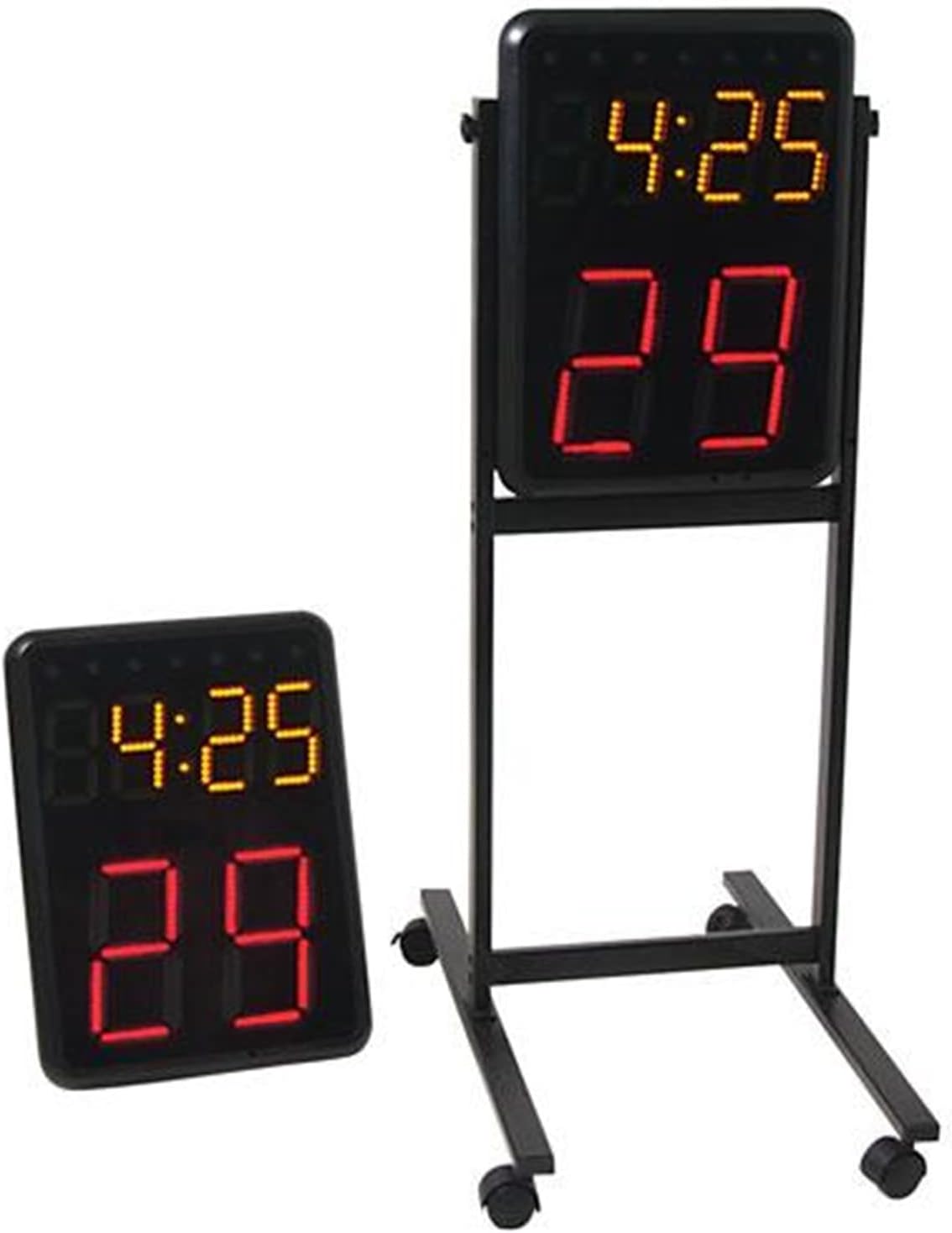
For a two-end basketball timing request, identify the game-clock and shot-clock fields separately. The Wireless Basketball Shot Clock Pair lists 8-inch red LED shot-clock digits and a 4.7-inch yellow LED game clock. It is a pair for indoor basketball with a controller, so a buyer should request that exact pair and the required visible timing fields rather than assuming the same red-and-yellow arrangement on another display.
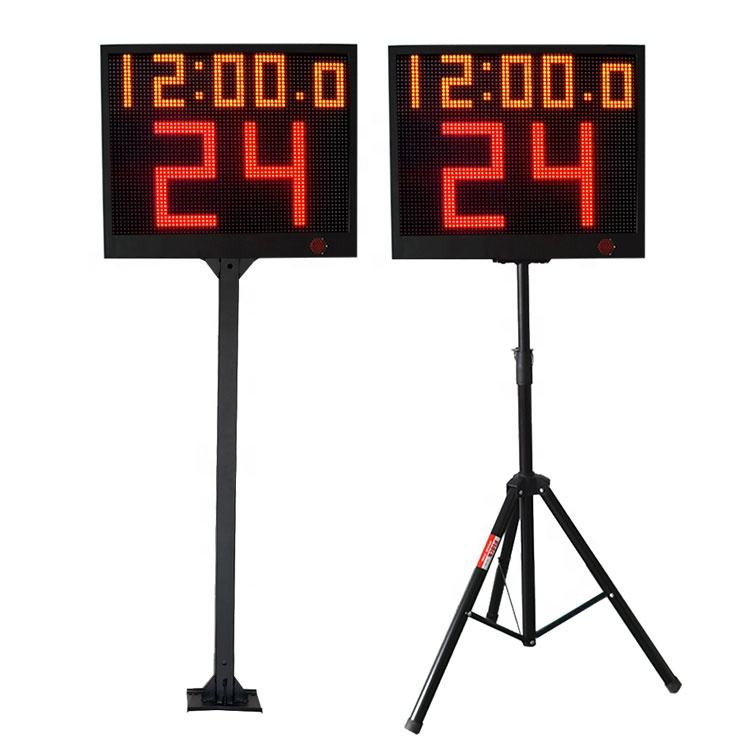
Use the published color wording for the YS 24s LED Shot Clock Pair without changing it into a generic system specification. Its product information states large red 24-second digits and an amber game-clock display, alongside app-control or wireless-console options. State the selected pair, preferred control option and stand style separately; the color layout does not confirm a particular controller, support method or compatibility with another board.
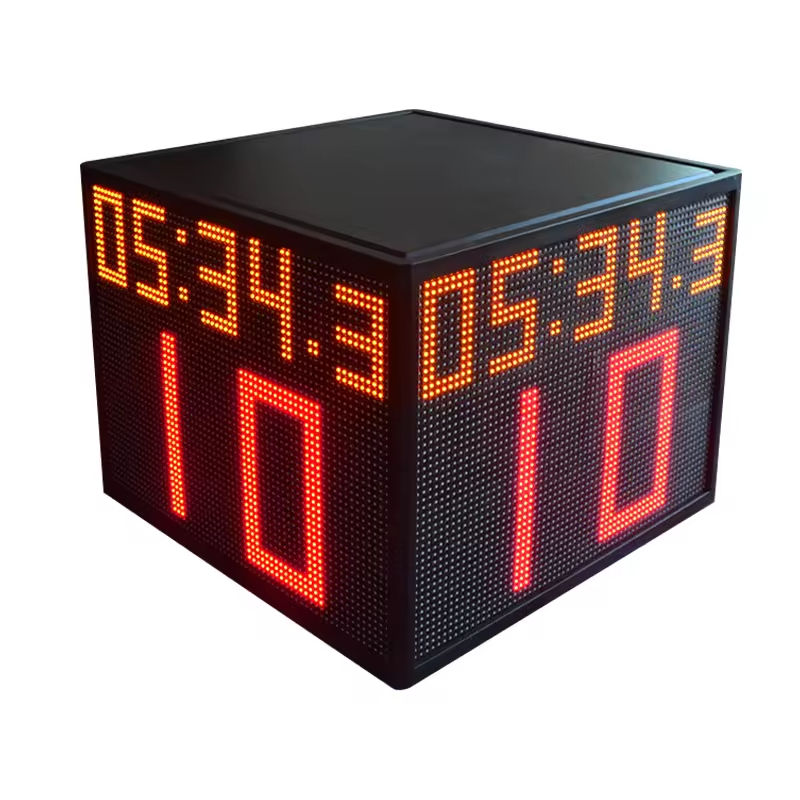
Consider four-direction visibility as a separate decision from the color layout. The YS Four-Sided 24s Shot Clock Cube publishes an amber game clock and red shot-clock digits on four display faces. That helps describe what viewers can read around the court, but it does not make the cube interchangeable with a two-face pair or prove that a ceiling, column or elevated installation suits a specific venue. Share the proposed location and ask for the selected configuration in writing.
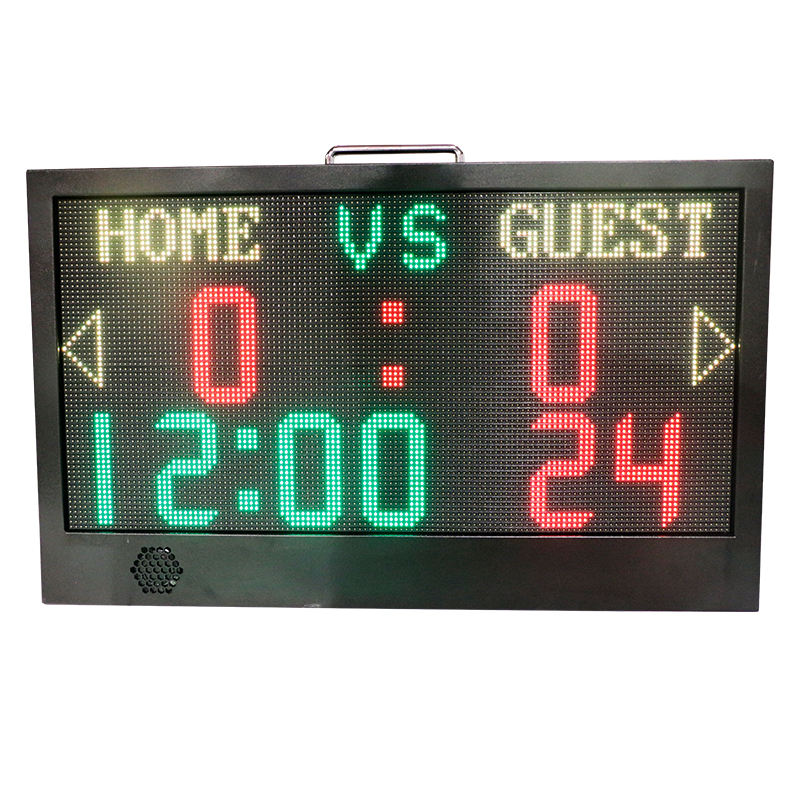
For portable, multi-field scoring, identify the color-to-field mapping exactly as published. The YS APP Controlled Portable LED Scoreboard lists white team names, a green timer, and red score and 24-second digits, plus ball rights and AD display functions. A buyer needing custom team names, a countdown or 24-second information should list each required function with the model; do not turn a product image into an assurance about unlisted text, app features or a different scoreboard’s display colors.
Ask for a current product demonstration or clear display reference when the color-to-field distinction is important to the operator. Name the exact product model, required fields, intended viewing positions and preferred control method. Treat images and videos as a way to review the displayed layout, while the written quote remains the record for model, configuration, included items and any requested compatibility.
Send a color-aware inquiry with the exact model, quantity and product role; the required score, clock, team-name or possession fields; the published color mapping that matters for the event; planned court or score-table position; selected control method; support preference; destination; and a request for written confirmation of the quoted configuration. This keeps a visibility request useful without adding features or specifications not published for that model.