Buying guide
Scoreboard Sound Alerts: A Buyer Checklist for Horns, Speakers and Timers
An audible alert can support a visible timer, but it is not a universal scoreboard feature. This checklist helps buyers turn a general request for a horn, buzzer or speaker into a model-specific inquiry using the sound functions published for current RYK court and training equipment.
Define the event moment that needs an alert before asking for a general horn or speaker. A basketball shot-clock violation, the end of a drill and a game-time notification are different workflows. State whether the alert is needed for a court-end shot clock, a main scoreboard or a training timer, and keep the visual display requirement on the same inquiry line.
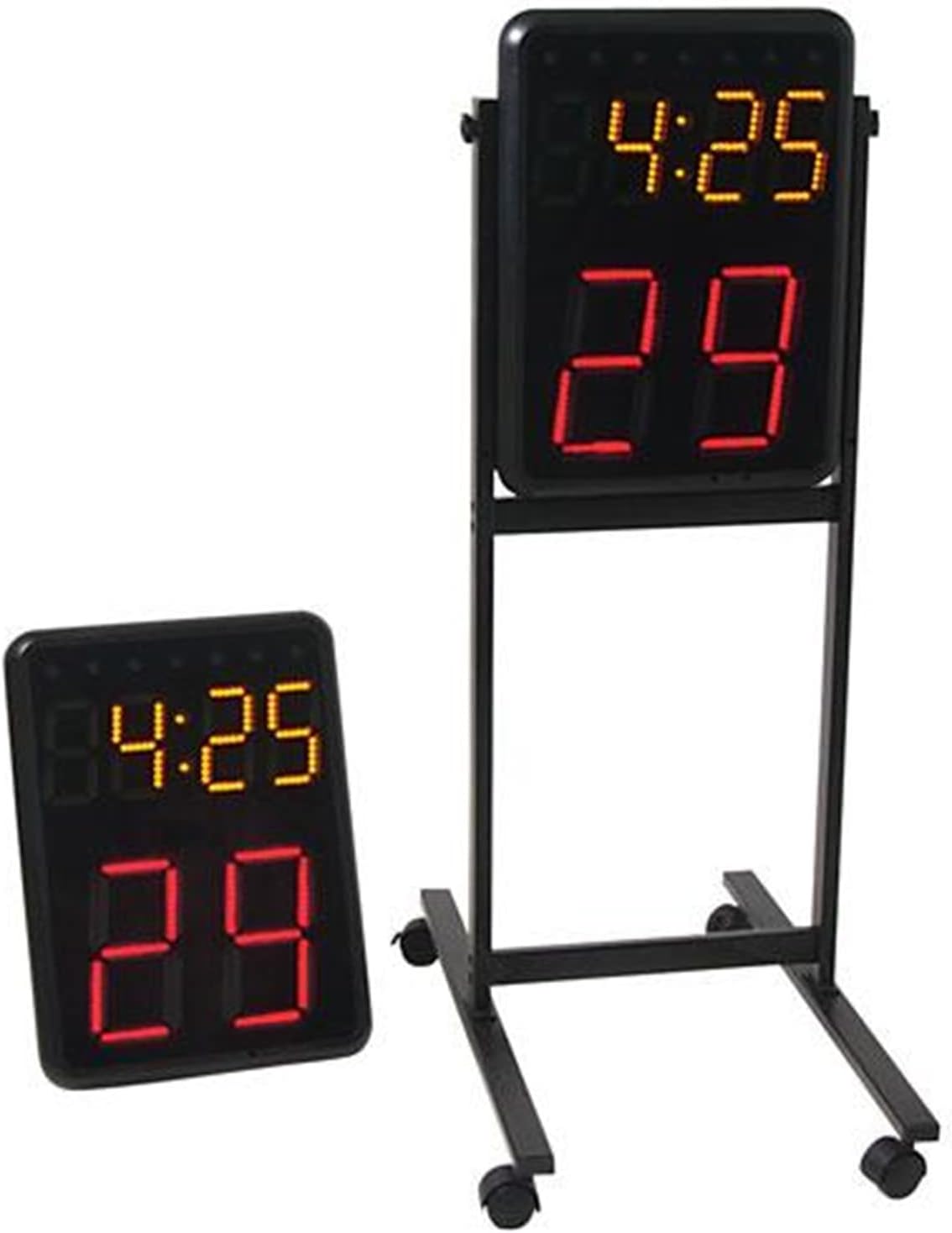
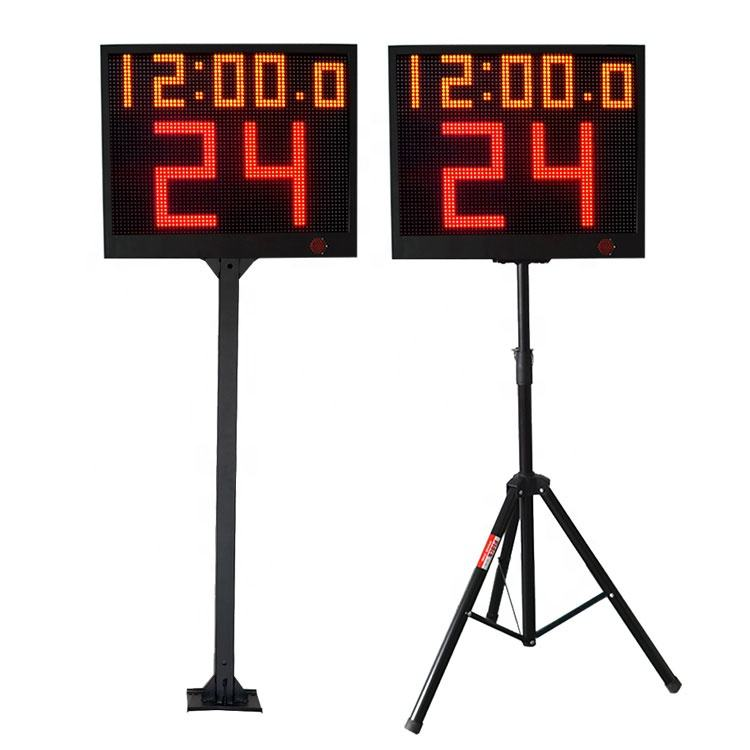
Use the published function of the selected model, not the name of a similar product. The Wireless Basketball Shot Clock Pair lists built-in loud horns for shot-clock violations, while the YS 24s LED Shot Clock Pair lists a built-in speaker greater than 110 dB for timing alerts. Record the exact selected pair and ask the supplier to confirm the quoted configuration rather than assuming every 24-second display has the same sound feature.
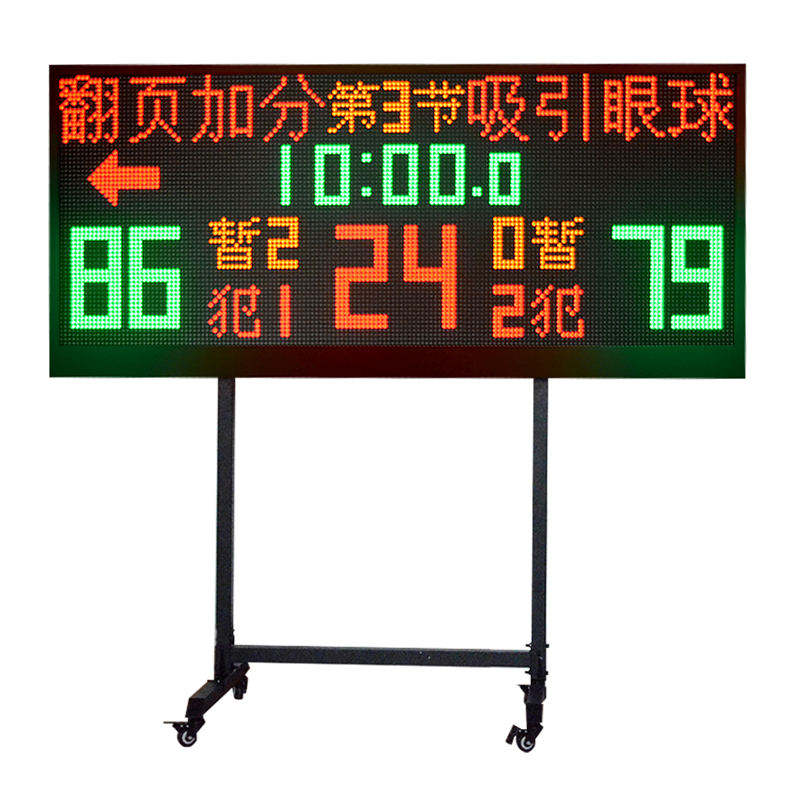
For a larger movable court board, confirm the whole game-information package. The YS 1.7m / 2m Wireless Multisport Scoreboard lists a high-decibel speaker alongside team names, score, countdown timer, period, fouls and a 24-second shot clock. Identify the sports, functions and proposed operator position so the buyer can confirm whether that all-in-one display fits the venue workflow.
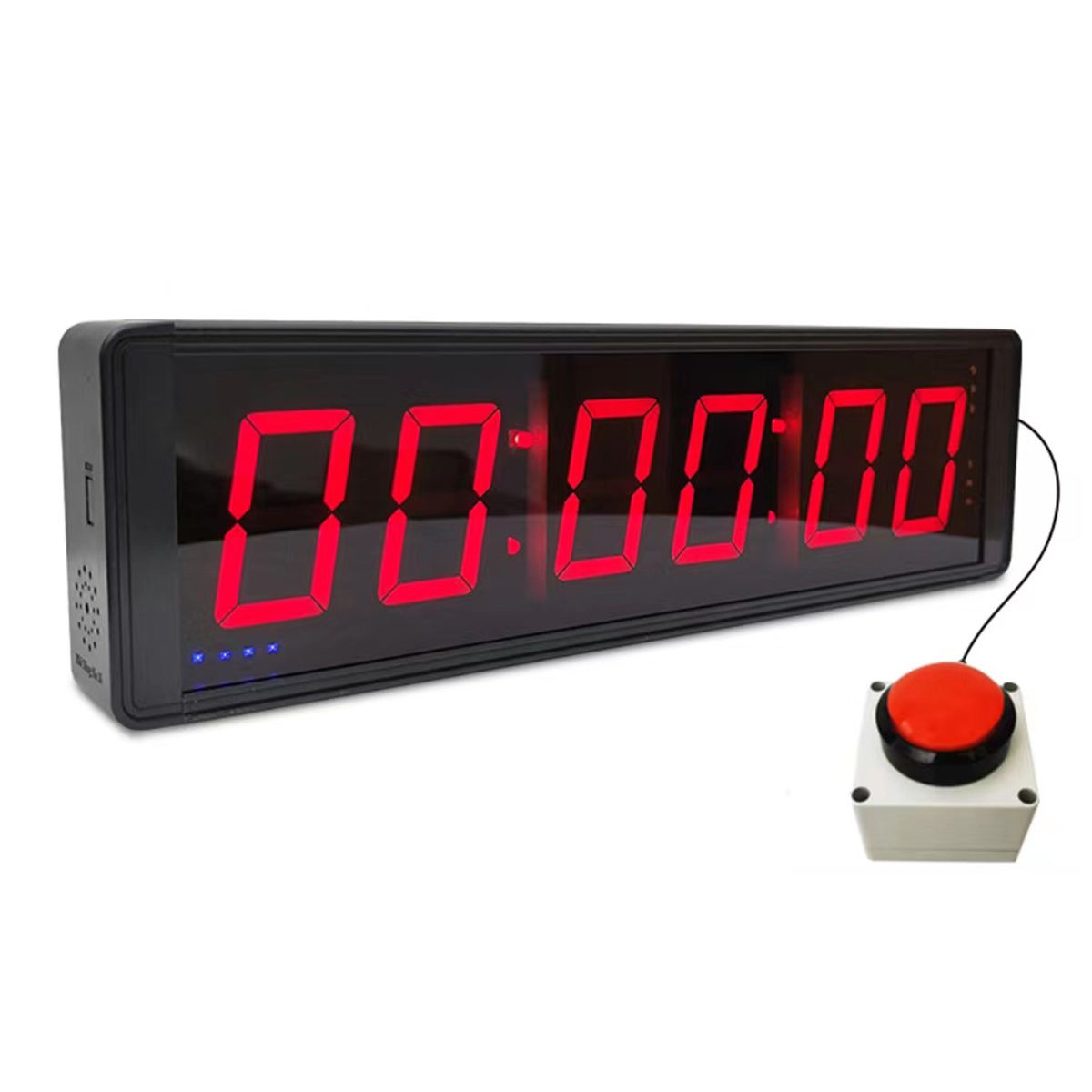
Keep training alerts separate from basketball game timing. The LED Count Clock Interval Timer lists a built-in audible horn when time runs out, while the FX Multi-Function LED Interval Timer lists sound on/off control. Specify the required timing mode and whether staff need control over the sound setting; do not treat a training-timer alert as a substitute for a paired basketball shot-clock system.
Do not infer a sound specification where the product page does not state one. The YS APP Controlled Portable LED Scoreboard lists a built-in speaker, but a published speaker listing does not define the alert behavior required for every tournament or sport. Name the event use and request confirmation of the selected model's available operation before making it a package requirement.
Plan who will hear and operate the alert without making venue-acoustics assumptions. State the court or room, operator location, selected control method and the people who need the visible timing reference. For the YS 24s pair, the published control options are app control or a wireless console; for the Wireless Basketball Shot Clock Pair, a controller is listed. Ask the supplier to confirm the selected control and alert arrangement for the actual package.
Send a concise sound-alert brief with the selected model and quantity, sport or training use, required timing event, visual display requirement, controller preference, proposed equipment position, destination and any separately requested stands or accessories. Request a written line-item summary that identifies what is included and what still requires confirmation before ordering.