Buying guide
Scoreboard Event-Day Setup Checklist: Display, Controller and Court Equipment
A ready-to-use scoreboard package begins with the operating workflow for a real match or training session, not with a generic display request. This checklist helps venue buyers and equipment resellers turn that workflow into a factual itemized inquiry using the functions and package details published for current RYK models.
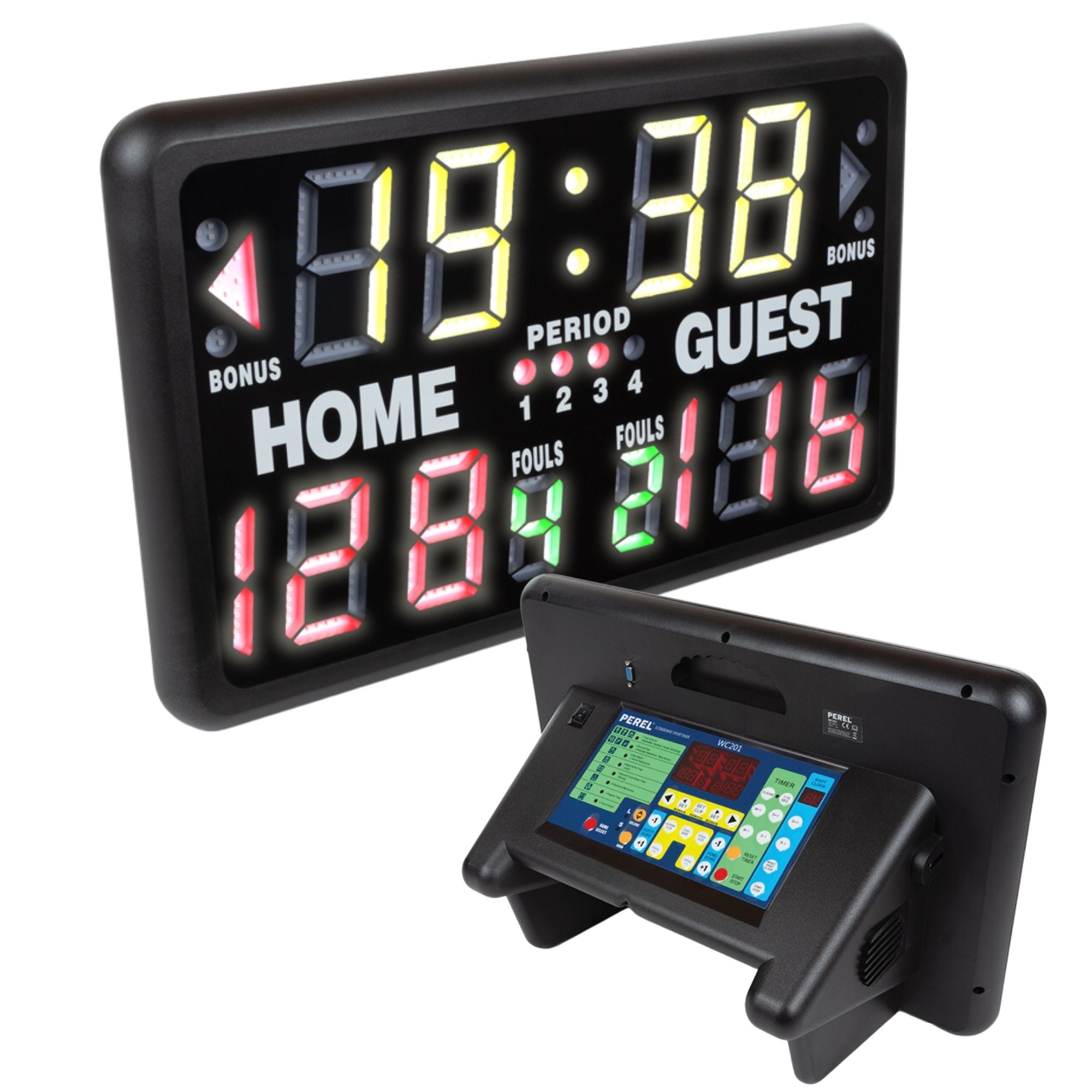
Start with the people and information needed during the event. List whether the operator must show only Home / Guest score, or also game time, period, fouls, possession, countdown or a 24-second display. The published Indoor Tabletop LED Scoreboard lists score, game time, period, fouls, possession and bonus indicators; the JX Multi-Function LED Scoreboard lists score, countdown and match time. Keep each required field tied to the selected model rather than borrowing it from a different product page.
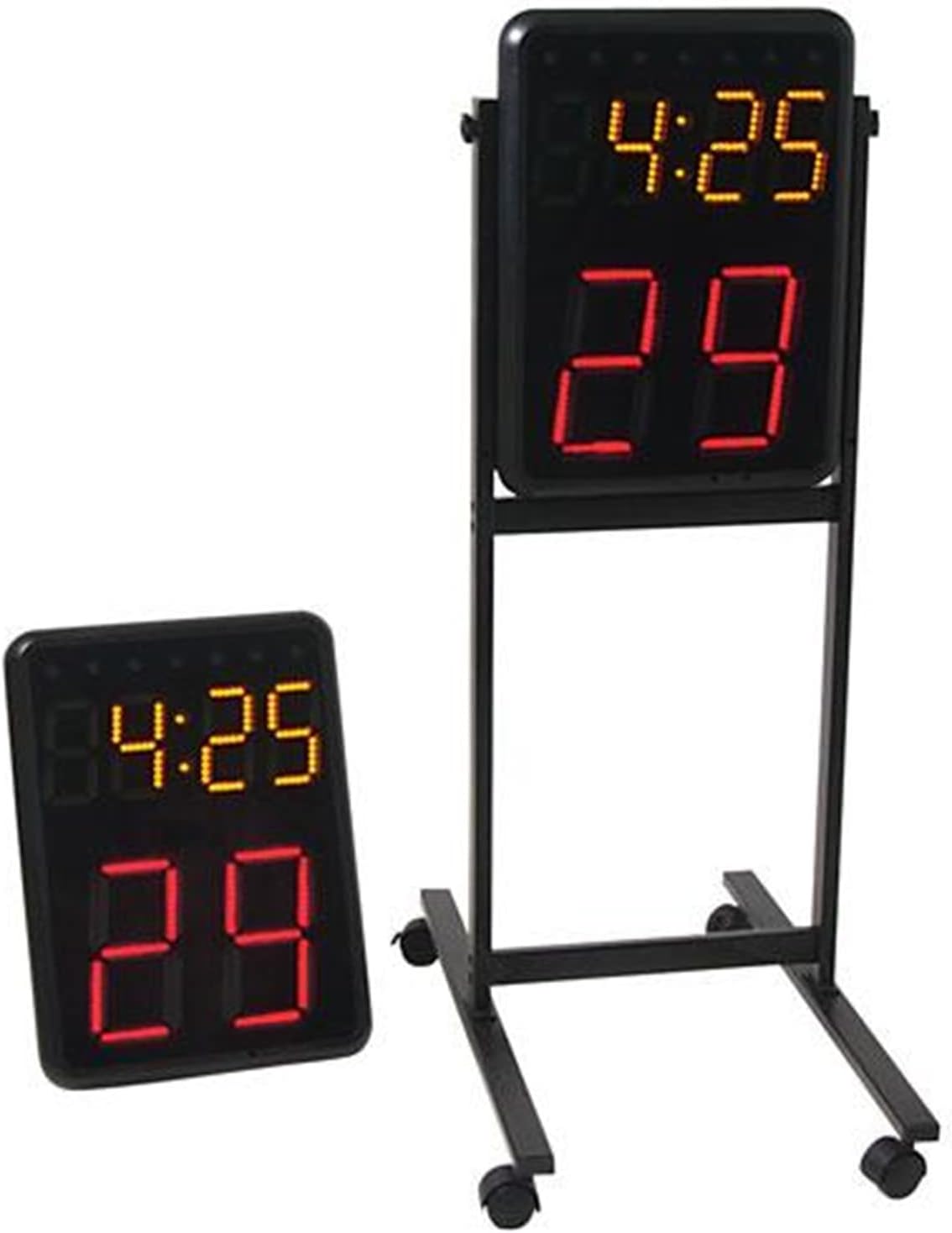
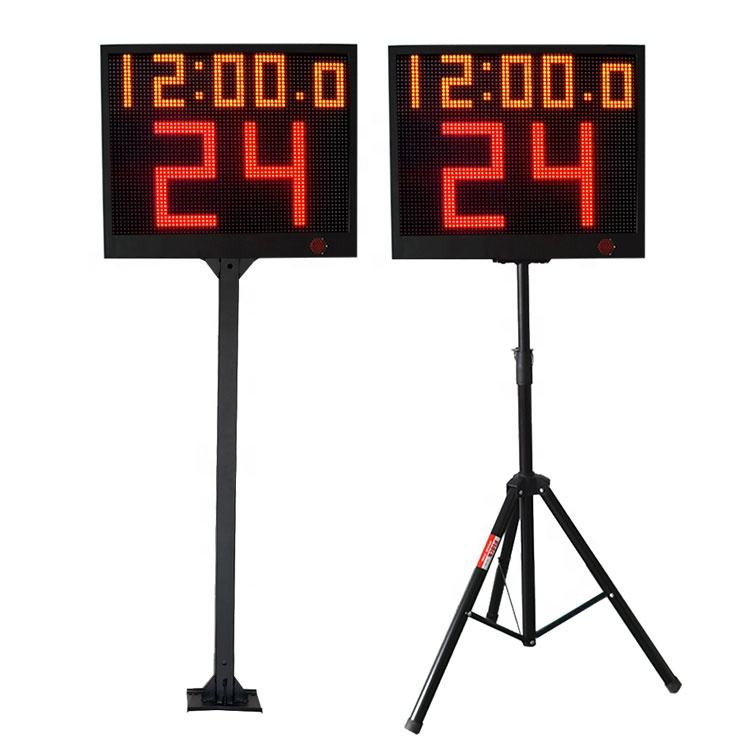
Write the equipment scope in units, pairs and accessories. A main scoreboard is not the same item as court-end timing equipment: the Wireless Basketball Shot Clock Pair is listed as a pair with a controller, while the YS 24s LED Shot Clock Pair is listed as two single-face countdown timers with a controller. State the requested number of main displays, timing pairs and individual accessories so the quote does not rely on an implied court package.
Name the control workflow before choosing a control method. The Indoor Tabletop LED Scoreboard and JX Multi-Function LED Scoreboard list wireless remote operation, the Wireless Basketball Shot Clock Pair includes a controller, and the YS 24s pair lists app control or a wireless-console option. Identify who will operate the selected equipment and from which planned position, then ask RYK to confirm the quoted control configuration.
Separate a product's stated functions from possible system integration. A project that needs a main scoreboard and a shot-clock pair should put each exact model on its own line. Provide the court layout and existing equipment details if integration is requested, and request written confirmation rather than assuming that a controller, timer or display from one model will operate another.
Check the event-day position against the product's published form and the venue plan. The Indoor Tabletop LED Scoreboard is described as a compact tabletop scoring display, while the JX Multi-Function LED Scoreboard is a portable PE-cabinet model. For 24-second timing, record the intended court-end support and viewing directions. Venue photos and a simple court sketch give the supplier context without treating a product image as an installation drawing.
List accessories as separate decisions. The Indoor Tabletop LED Scoreboard lists a wheeled stand and carrying bag as separately available, and the YS 24s pair offers fixed-pole or tripod stand options. Put every requested stand, bag, controller, console or power-related item on the inquiry and ask which items are included or separately quoted for the selected configuration.
Send a final event-day brief with the sport, display fields, exact model and quantity, main-board and timing-pair scope, planned control method, court or venue photos, support preference, destination and requested accessories. Ask for an itemized written confirmation of the selected package before the buyer schedules venue work or compares alternatives.