Buying guide
Gym Timer Installation Checklist: Wall Location, Power and Remote Operation
A training timer works best when its location, power route and daily operating position are settled before the model is ordered. This checklist uses the published JX timer information to help buyers prepare a practical installation inquiry without assuming that every timer has the same mounting hardware, local controls or power connection.
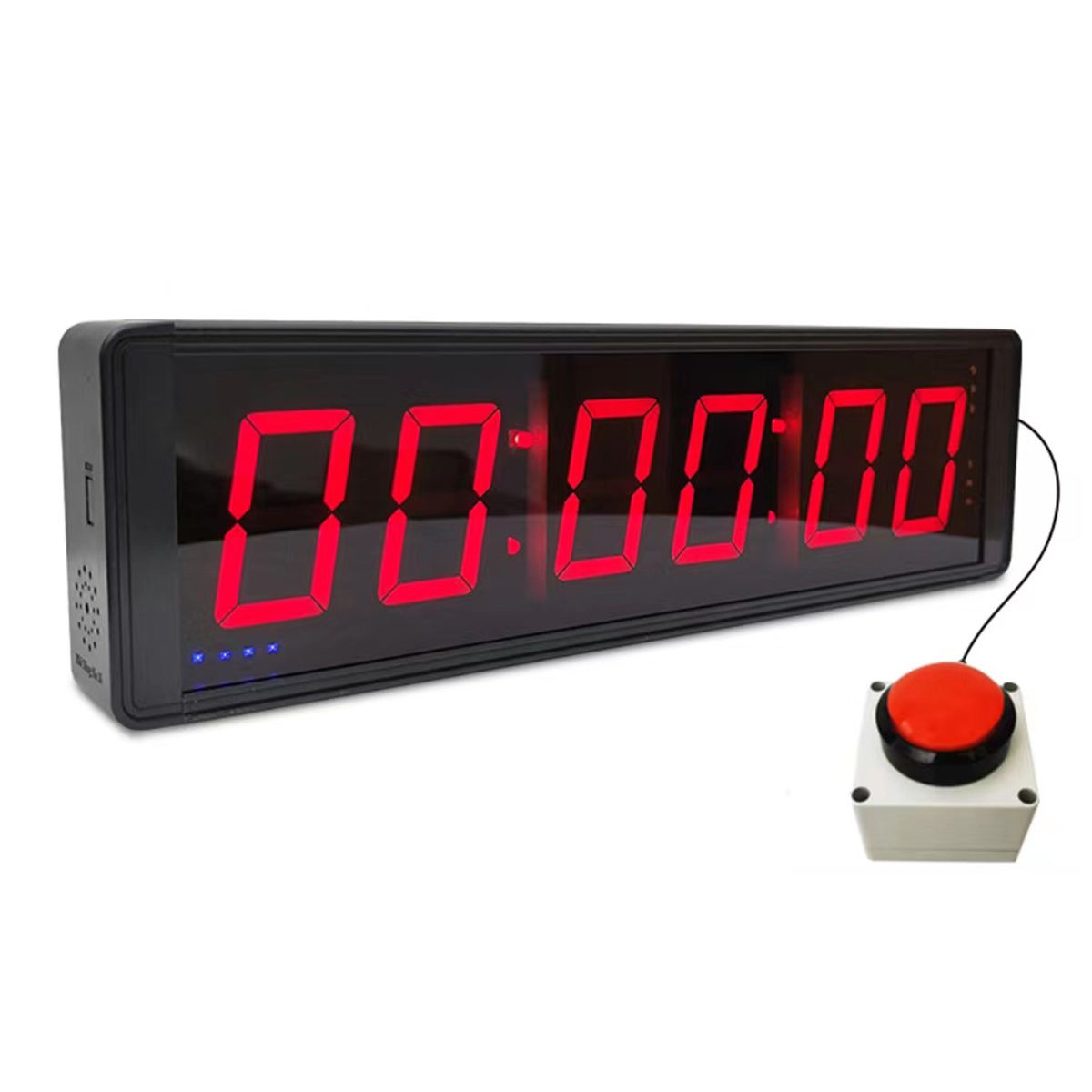
Choose the display role before choosing a wall. The JX 2.3-Inch Wall Mounted Gym Timer is listed for clock, countdown, count-up and stopwatch timing, while the JX 6-Digit Gym Timer is listed for countdown and count-up. List the training workflow and required modes in the inquiry so a general timer request does not substitute for a specific function requirement.
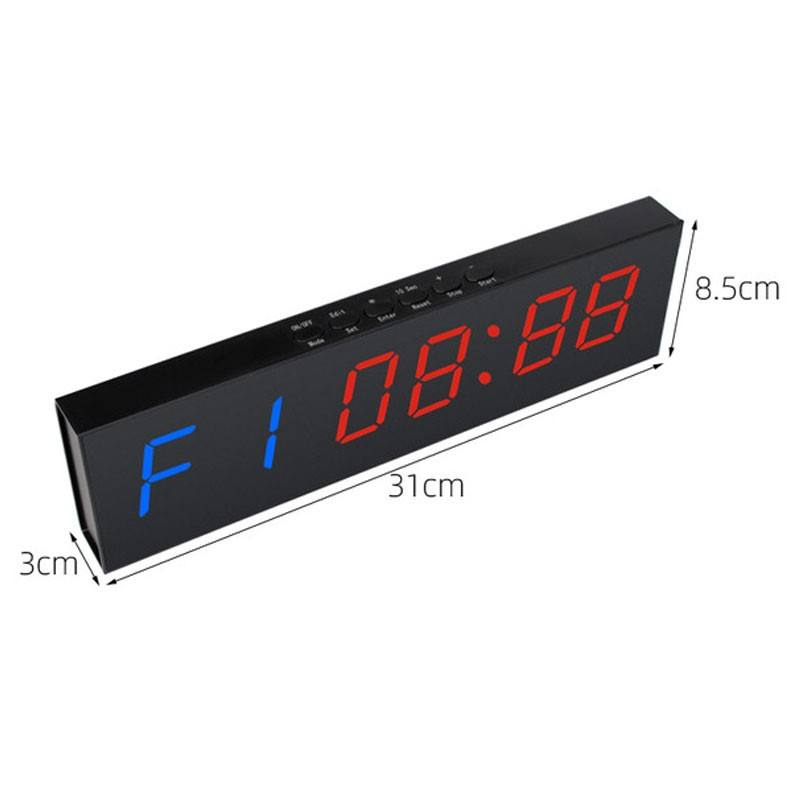
Record the proposed position and the published cabinet size on the same site note. The JX 2.3-inch model lists dimensions of 45.5 x 23.5 x 8 cm, the JX 6-digit model lists 36 x 17 x 5 cm, and the JX 1.5-inch Sports Clock Timer lists 32 x 17 x 5 cm. Treat these as product references, then confirm the actual wall or portable placement for the selected model before ordering.
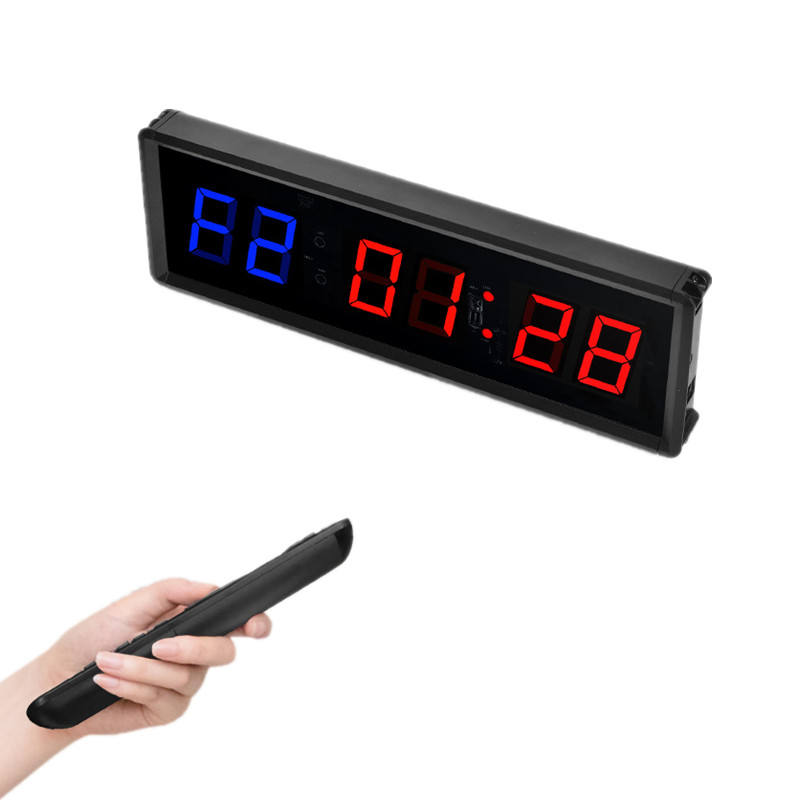
Plan how staff will operate the timer from the proposed position. The JX 2.3-inch and 1.5-inch timers list remote control, while the JX 6-digit timer lists remote control plus top buttons for mode, set, reset, stop and start. State where the coach or staff member will stand and whether on-unit controls are needed; a remote-control listing does not establish the best operating position for every room.
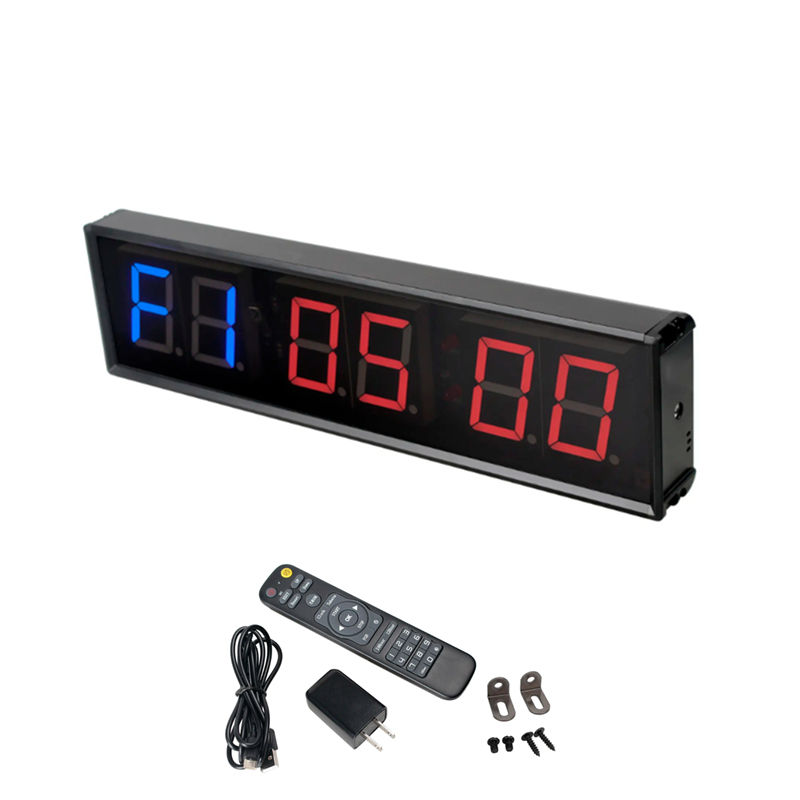
Keep the power requirement tied to the chosen product rather than to the room alone. The JX 6-digit Gym Timer lists a 5V2A Type-C power input, while the JX 2.3-inch Wall Mounted Gym Timer lists a power adapter and cable among its included items. Provide the selected model, intended power route and destination, then request confirmation of the supplied power items and applicable configuration.
Separate a published mounting statement from a venue-specific installation decision. The JX 2.3-inch Wall Mounted Gym Timer is listed with mounting hardware and wall-mounted or portable placement; the JX 6-digit timer lists rear wall-mount slots and desktop placement. Share wall photos, the proposed position and any constraints so the supplier can confirm the selected configuration; do not infer mounting hardware for the 1.5-inch model simply because another JX timer lists it.
Use portable placement only where it suits the product and daily workflow. The JX 1.5-inch Sports Clock Timer is described as portable and lightweight for indoor fitness, games and training, and the JX 2.3-inch model also lists portable placement. If a timer will move between rooms, include the storage position, carrying route and the need for a fixed mounting option in the quote request.
Send a concise installation-ready inquiry: selected model and quantity, required timing modes, wall or portable position, nearby power arrangement, intended operator position, remote or local-control requirement, any wall photos or measurements, destination and the requested itemized package list. Ask the supplier to confirm only the selected configuration before installation work is scheduled.