Buying guide
Scoreboard Remote and Controller Replacement Checklist for Buyers
A spare remote or controller needs to match the display and timing workflow already in use. This checklist helps buyers identify the published control details for their shortlisted RYK model, separate a remote from a console or cable, and ask for configuration confirmation before ordering a replacement part.
Start with the installed equipment, not a photo of a similar remote. Record the main display or shot-clock model, the current control device, the number of courts and any visible frequency or configuration setting. Send those details with the inquiry so the supplier can confirm the proposed replacement configuration.
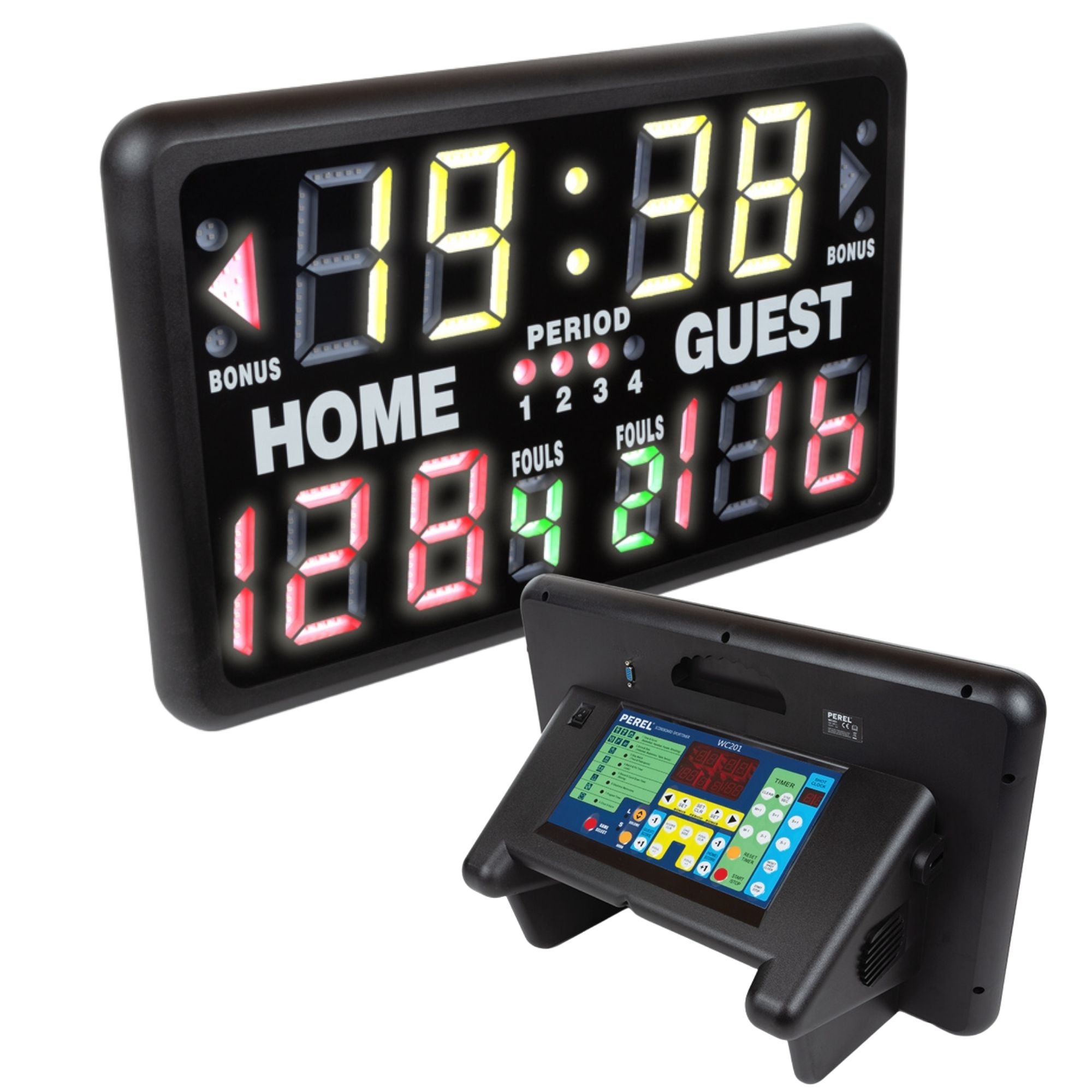
Identify the control method as precisely as the display model. The Indoor Tabletop LED Scoreboard lists a wireless remote for start, stop and score adjustment, plus four user-programmable frequencies. A replacement request should name this model and the required control role rather than asking for a generic scoreboard remote.
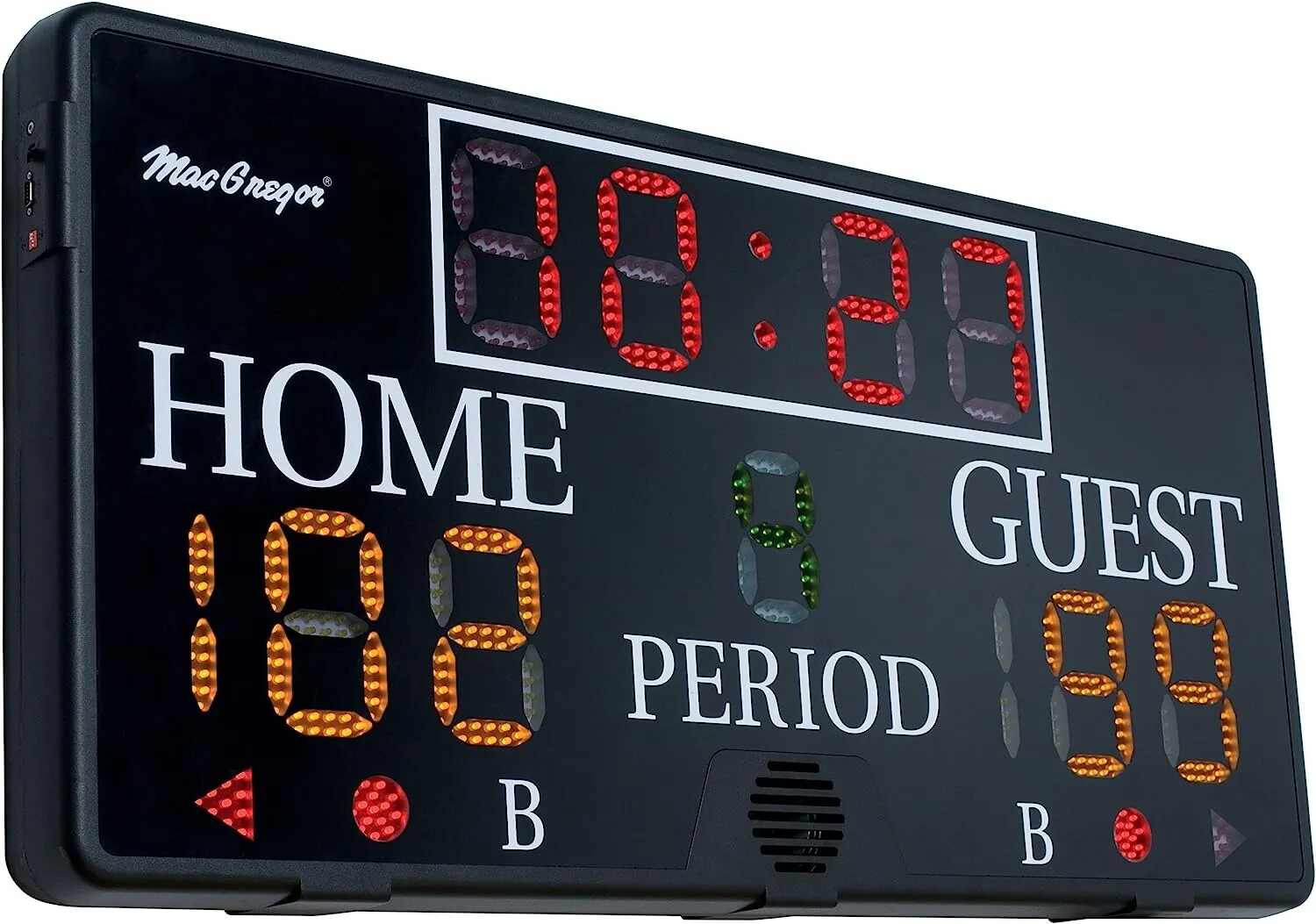
Keep remote and cable requirements on separate lines. The SK3048 lists a rechargeable wireless remote, 12 frequency settings and a 100 ft. data cable for wired operation. If the venue needs a backup operating path, state whether the request is for the remote, the data cable or both, then ask the supplier to confirm the supplied configuration.
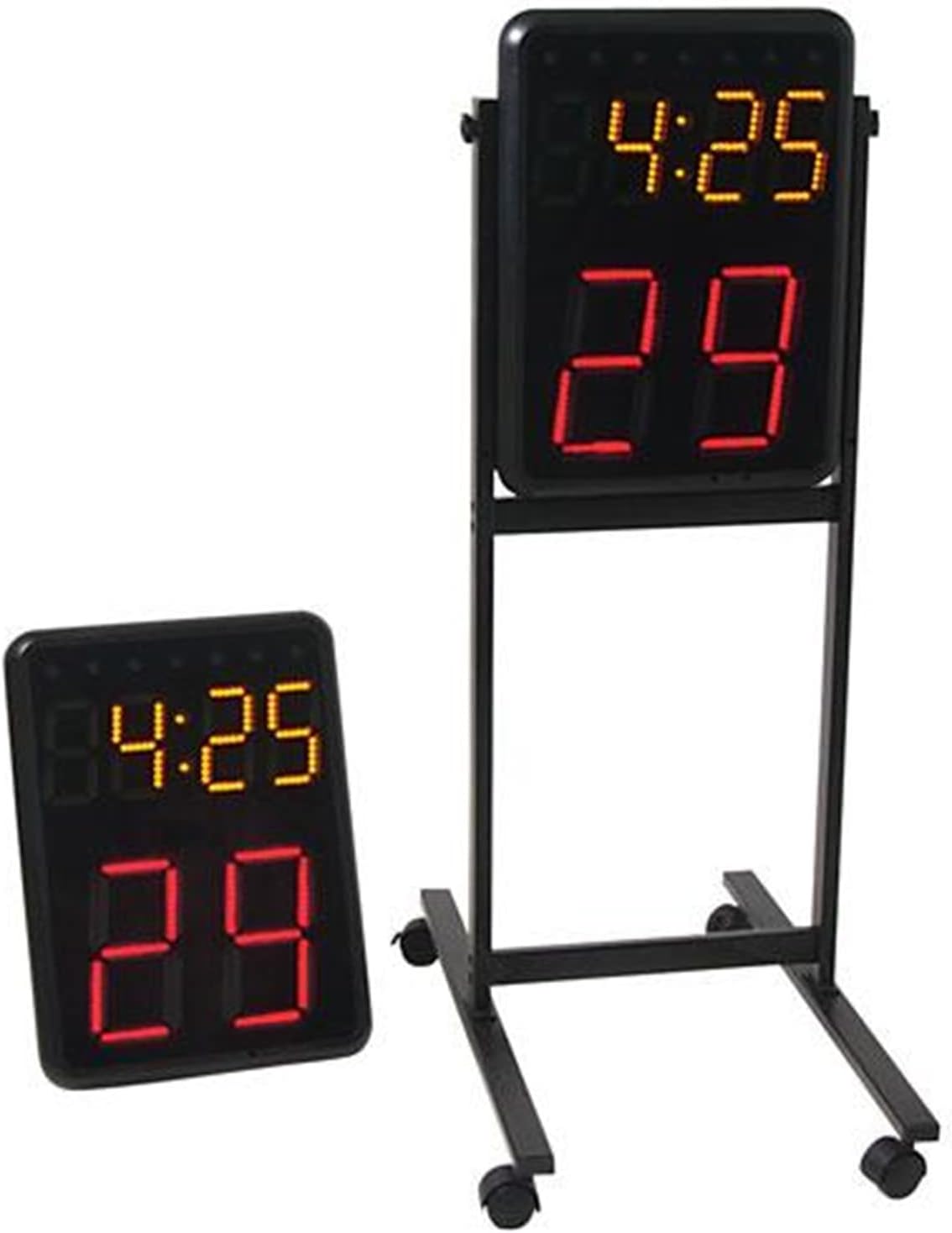
For basketball timing, count the controller as part of the operating set. The Wireless Basketball Shot Clock Pair is listed as a pair with a controller and for wireless connection with compatible SK2229R/WC201, SK3048 and SK999-style scoreboards. Provide the existing main-board model and request compatibility confirmation before treating another controller as a substitute.
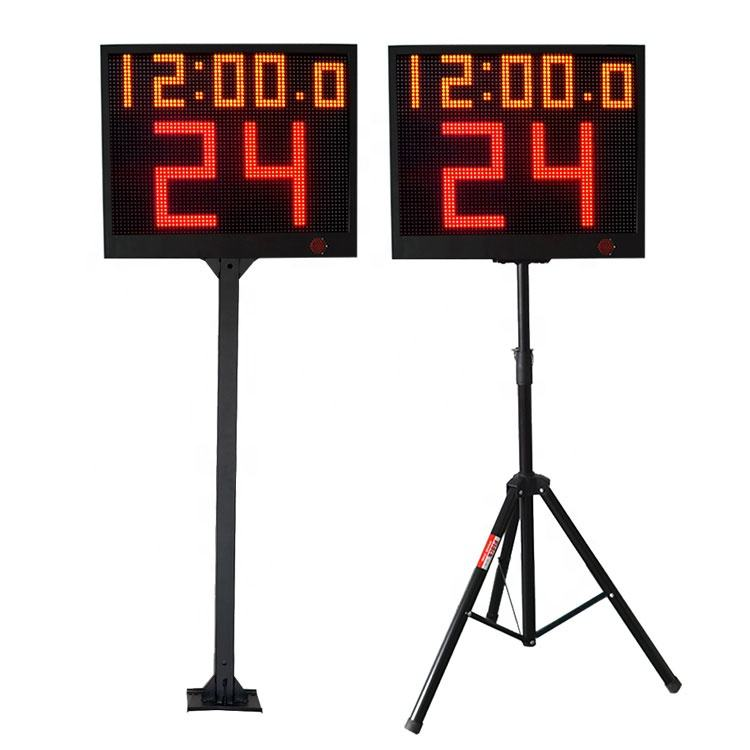
Do not merge console and app-control requirements. The YS 24s LED Shot Clock Pair lists app control or a wireless console option and is supplied as two single-face 24-second timers with controller. State which control method is already in use and whether the request is for a replacement, an additional controller or a complete pair configuration.
For multi-court venues, label each request by court and control zone. The tabletop scoreboard lists four programmable frequencies, while the SK3048 lists 12 frequency settings. Include the number of nearby units and the intended scorekeeper position, then ask the supplier to confirm the selected settings for the proposed equipment.
Before payment or installation, request a written line-item summary: current model, replacement device or cable, quantity, selected control method, frequency or court assignment, any compatibility confirmation, destination and required power arrangement. Test only with the supplied instructions and the confirmed venue setup; do not assume that a visually similar control device will operate a different system.