Buying guide
Basketball Backboard Light Strip Integration Checklist for Shot Clock Buyers
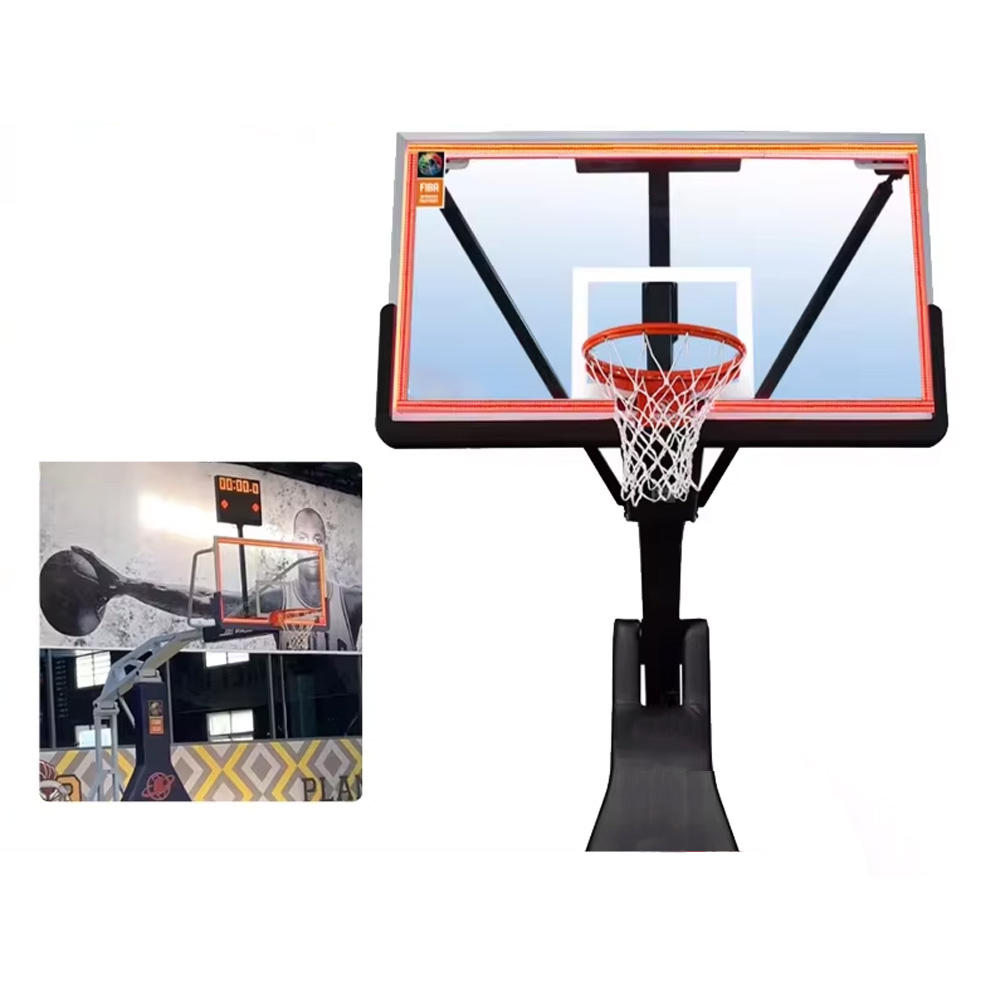
A backboard light strip is a visual timing accessory, not a stand-alone scoreboard or shot-clock replacement. Buyers need to identify the timing source, intended backboard position and selected controller before asking for a synchronized configuration. This checklist keeps those decisions tied to the published YS equipment information rather than assuming that a light frame will work with every court system.
Define the equipment role before selecting a package. The YS Synchronized 24s Shot Clock LED Light Strip is listed as a red LED light-strip frame for a basketball backboard and as an accessory for basketball timing systems. It should be requested alongside the timing equipment it must work with, rather than as a complete scoreboard or a substitute for a 24-second display.
Name the proposed timing source in the inquiry. The light strip is listed for synchronization with a 24-second timer, timing software or a compatible electronic scoreboard system. Include the selected shot-clock, controller or existing-system model details and ask for confirmation of the proposed synchronized configuration; do not infer compatibility from a similar-looking court display.
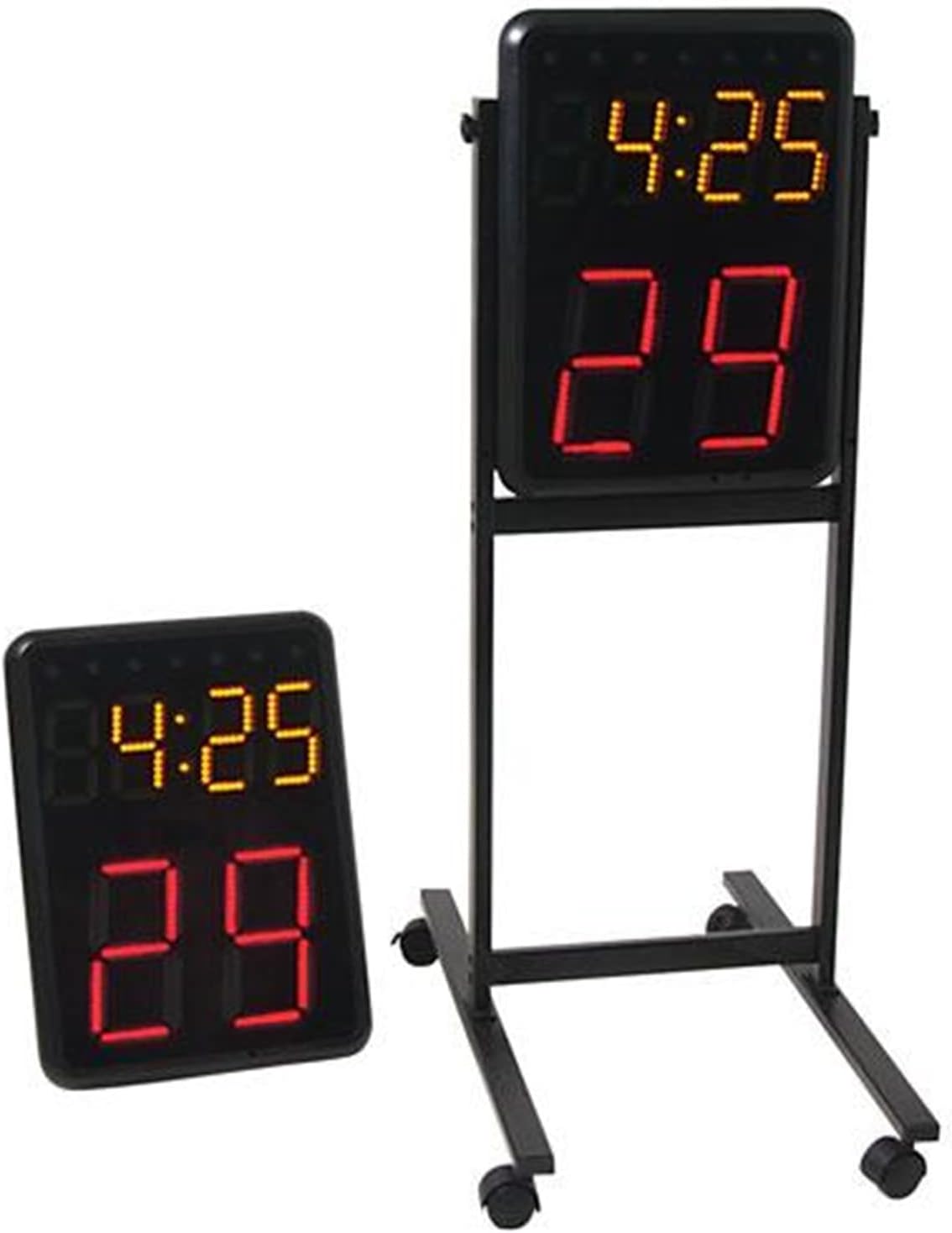
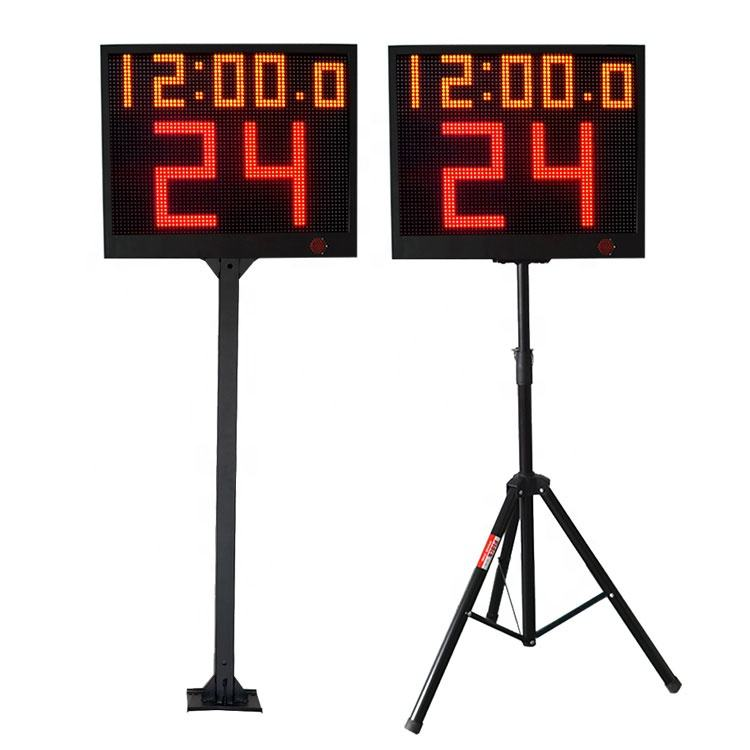
Keep the two court ends visible in the equipment plan. A basketball court may need timing and visual signals at both basket positions, so record the requested light-strip quantity and the related clock or controller for each end. The Wireless Basketball Shot Clock Pair is listed as a pair with a controller, while the YS 24s LED Shot Clock Pair is listed as two single-face countdown timers with a controller.
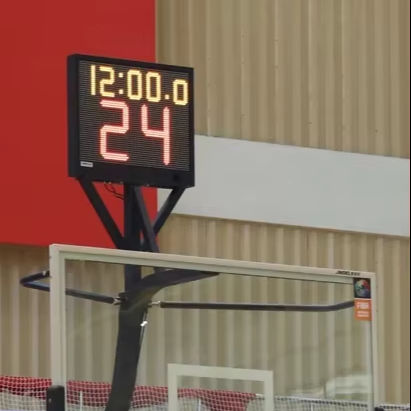
Document the intended backboard or hoop-support position with photos before asking for an installation quote. The YS light strip is listed for the basketball backboard edge or hoop-support area. Show the actual backboard, support and proposed display position, then ask the supplier to confirm the selected configuration instead of treating a product image as an installation drawing.
Separate control choice from synchronization requirements. The YS 24s pair lists app control or a wireless-console option, and the Wireless Basketball Shot Clock Pair lists a controller. State the selected control method and scorekeeper position, then request confirmation that it matches the chosen light-strip and timing configuration.
Do not transfer included-part claims between products. The light strip is positioned as an accessory, while the shot-clock pairs have their own stated displays, controllers and support options. Ask for an itemized list covering the light strip, timing displays, controller or console, selected stand or bracket, power items and any installation hardware for the exact package being quoted.
Before payment or installation scheduling, send one court-equipment brief: selected models, quantity at each basket, current or proposed timing source, control method, backboard photos, support preference, power arrangement, destination and required package list. Ask for written confirmation of synchronization and the supplied configuration, then use the pre-shipment checklist to review that agreed scope.